Add a credit card or loan
Track what you owe on each card and loan, your 0% deals, and what's left to repay.
Updated 1 October 2026
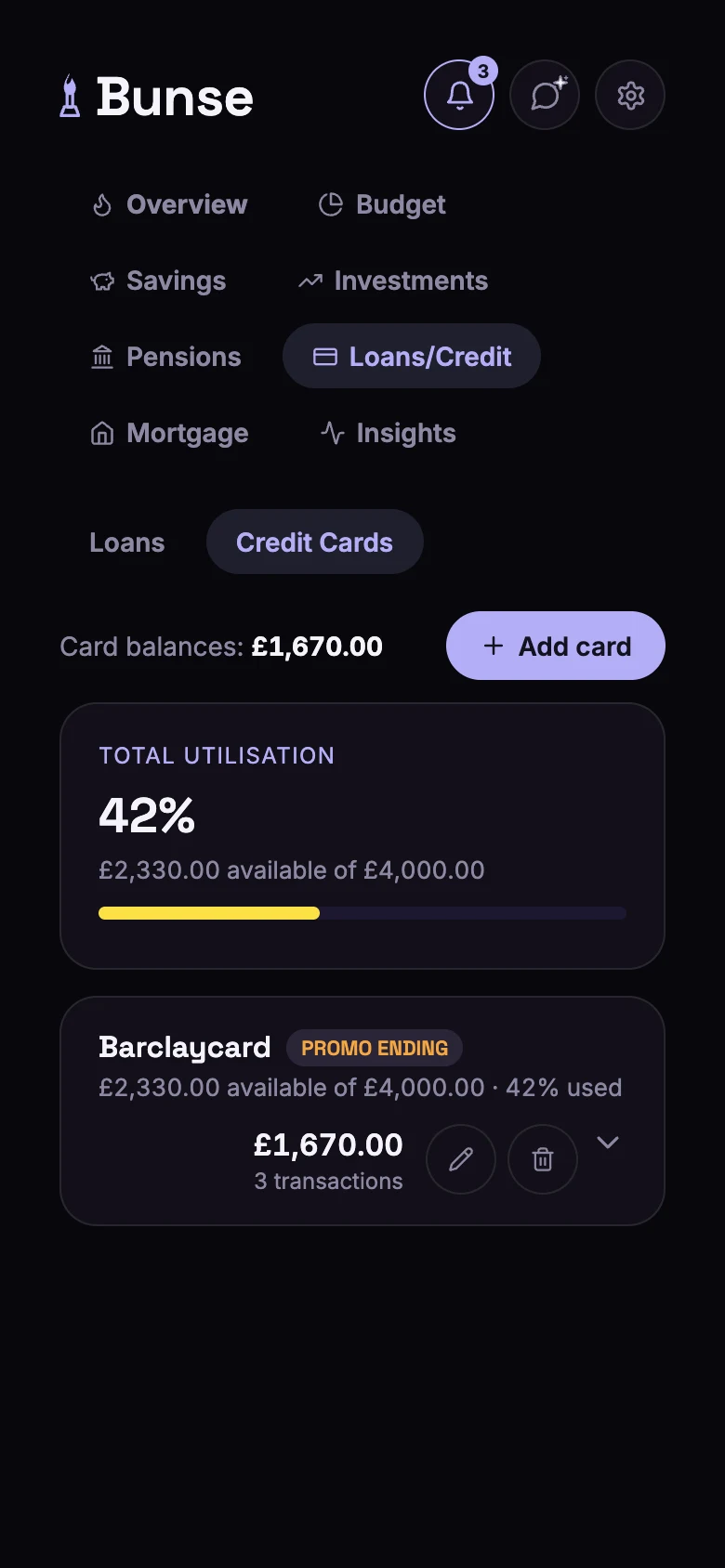
The Loans/Credit tab has two views: Loans and Credit Cards.
Add a credit card
On Credit Cards, tap Add card and fill in:
- Issuer, such as Barclaycard.
- Credit limit. This is used for your credit utilisation, one of the habits behind your flame.
- For balance transfers, money transfers and purchases: the standard rate, and the date it's interest-free until, if you have a 0% deal.
- The standard rate for cash withdrawals, which normally charge interest straight away.
Keep the balance right
A card's balance comes from its transactions. Open the card, then:
- Add transaction: a debit (spending), with its type (balance transfer, money transfer, purchase or cash) and whether it's charged interest, or a credit (a payment to the card).
- Import transactions from your card's statement file.
Repayments from your current account are spotted when you import your bank statement. Log them from Budget › Transactions › Credit card payments.
Each card shows its current balance, what's accruing interest, and any interest-free periods with their end dates.
Add a loan
On Loans, tap Add loan and fill in:
- Loan name, such as "Car loan", and the lender.
- Loan amount, start date and length in months. Bunse works out the end date.
- Interest rate (APR).
Bunse works out the monthly payment, the total amount repayable and how much you've repaid so far. Payments are added to the loan's Payment History automatically each month from the start date, so there's nothing to log.
Reminders
On your phone, Bunse can remind you 30, 14 and 7 days before a 0% deal ends, so a rate change doesn't catch you out.