Reminders and notifications
What Bunse reminds you about, where the alerts appear, and how to turn each one on or off.
Updated 1 October 2026
Bunse flags important dates before they arrive, and nudges you when your figures need updating. It works these out on your phone from the dates you've entered. Nothing is sent anywhere, and there's no account behind it.
Alerts appear in the bell at the top of the app. In the phone app, they can also notify your phone, so you see them even when Bunse is closed.
What Bunse can alert you about
Dates Bunse already knows, flagged before they arrive:
- Mortgage rate ending: 180, 90 and 30 days before your fixed or tracker deal ends.
- 0% credit card period ending: 30, 14 and 7 days before.
- Free trial ending: 7, 3 and 1 days before it turns into a paid subscription.
- Subscription renewing: 14 and 3 days before an annual or quarterly subscription takes payment.
- Bill price rise: when an imported statement shows a subscription or regular bill has gone up.
- ISA allowance deadline: in late March, before your allowance resets on 5 April.
- Fixed-term savings maturing: 30 and 7 days before.
Nudges to keep your figures current:
- Import reminder, when it's been a while since your last statement import.
- Investment prices stale, when your holdings haven't had a price refresh in over a month.
- Unassigned transactions, when imported payments haven't been assigned yet.
- Missing monthly income, when no income is set, so Budget Health can't be worked out.
Turn alerts on or off
Tap Settings (the cog), then Alerts & reminders, and tick or untick each one.
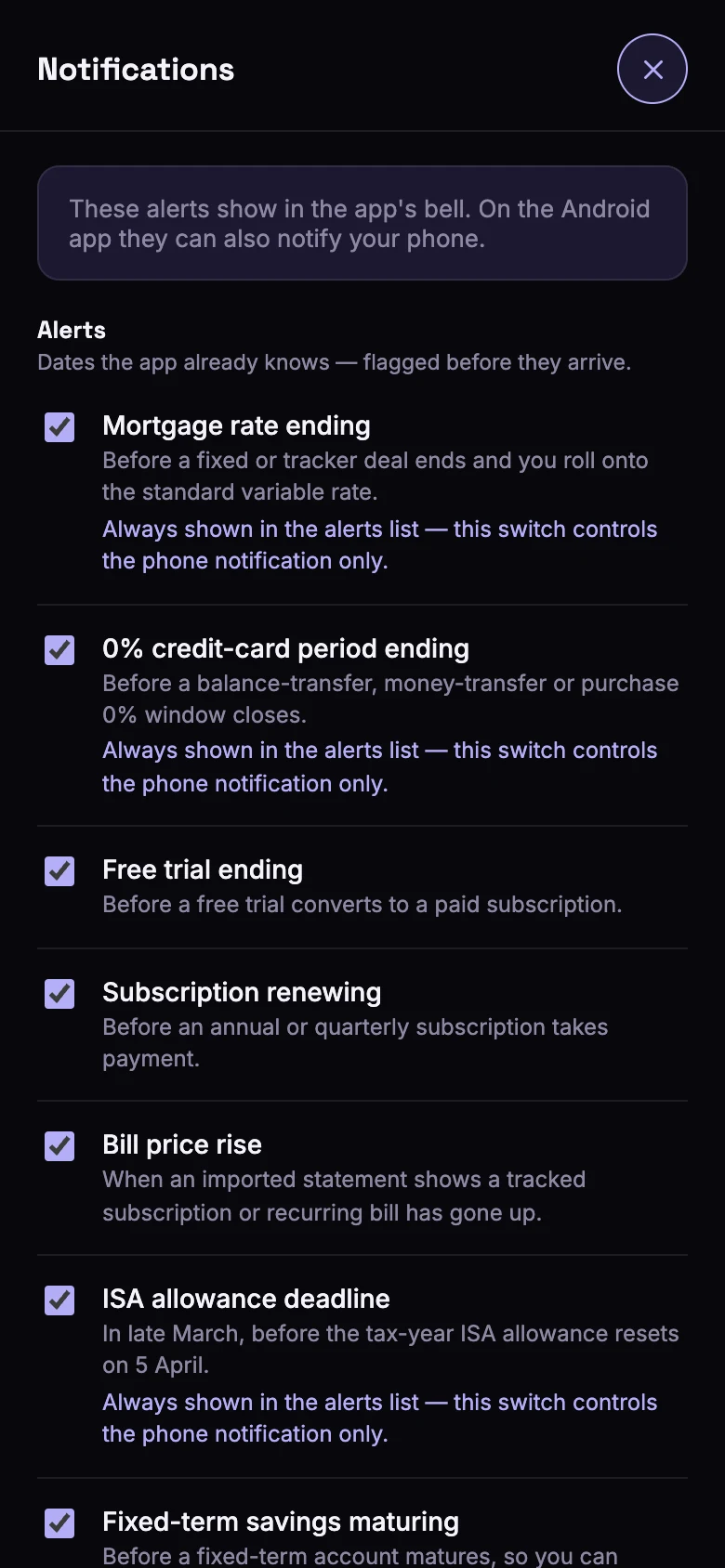
In the phone app, tap Turn on phone notifications at the top of that screen to let Bunse notify your phone. If you've turned notifications off for Bunse in your phone's settings, turn them back on there.
The money-sensitive alerts (mortgage rate, 0% period, ISA allowance and savings maturing) always show in the bell, because missing one can cost you. Their switch only controls whether they also notify your phone.